Best Smart Home Gadgets for Beginners in 2026
My first smart bulb took forty-five minutes to connect. When it finally blinked on, I had no idea what to do next — so it sat there for weeks, a $25 bulb I still switched on by walking to the wall like a caveman with Wi-Fi.
That’s the trap with the best smart home gadgets. People buy them backwards: a random bulb from one brand, a plug from another, six apps, and suddenly the whole smart home thing feels like a scam. I nearly quit too. But rebuilding my setup the right way changed my mornings for real — one ecosystem, three cheap devices, done. Lights fade up instead of a blaring alarm. Coffee starts before I’m awake. The front door pings me when a package lands.
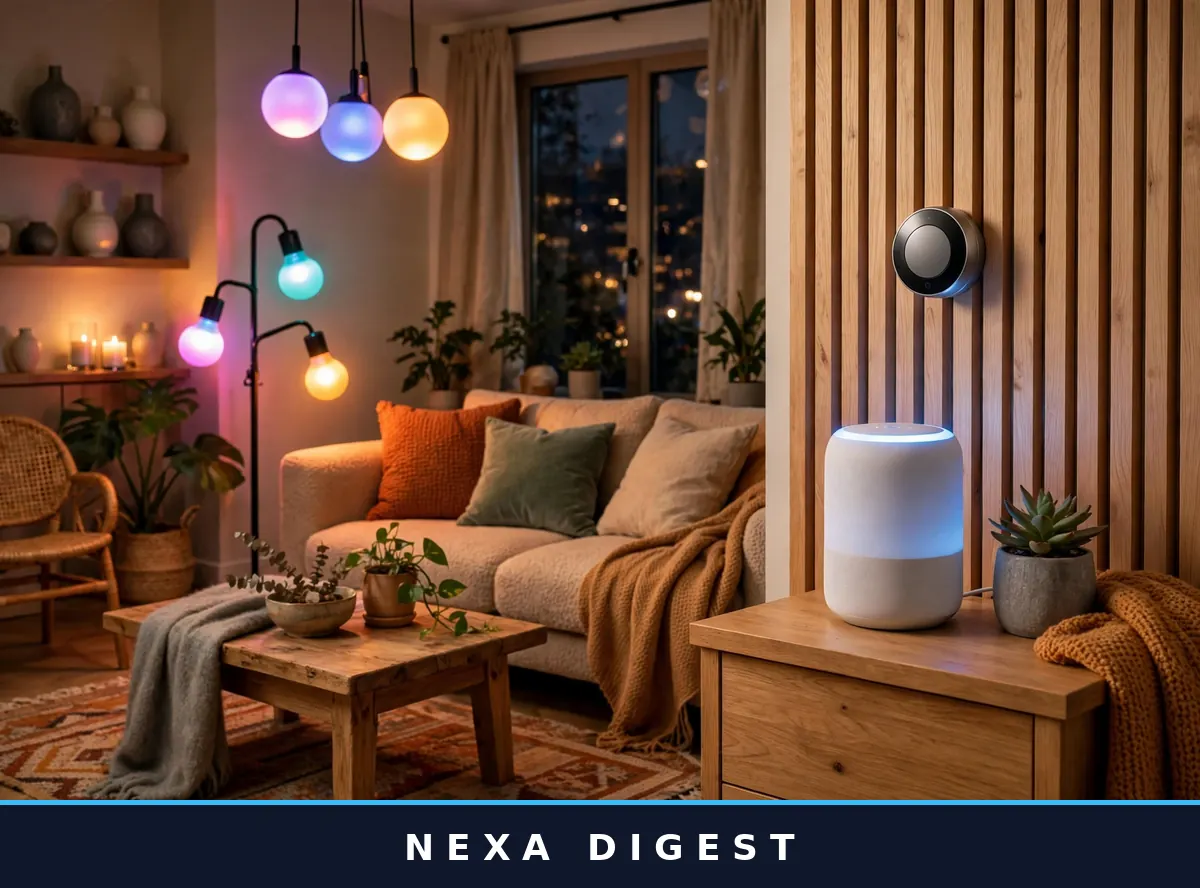
This is the guide I wish someone had handed me back then. No jargon, no 40-product charts. Just the best smart home gadgets for a beginner, picked for reliability and priced honestly.
Table of Contents
- First: Pick ONE Ecosystem (This Matters More Than Any Gadget)
- The 9 Best Smart Home Gadgets for Beginners
- Starter Budgets: $40, $150, and $400 Plans
- 5 Mistakes Beginners Make (I Made Every Single One)
- Renters vs. Homeowners: What Actually Changes
- Smart Home Security Without Losing Sleep
- Frequently Asked Questions
First: Pick ONE Ecosystem (This Matters More Than Any Gadget)
Here’s the thing nobody puts in the headline: the device matters less than the team it plays for. Amazon Alexa, Google Home, and Apple HomeKit are the three big teams, and a house where everything answers to one assistant is ten times easier to live with than one split across three apps.
My honest take on each:
- Amazon Alexa — the biggest gadget selection, the cheapest devices, and routines that are dead simple to build. If you want maximum choice on a budget, start here.
- Google Home — slightly smarter answers, and wonderful if you live inside Gmail and Google Calendar. Fewer devices than Alexa, but everything that matters is covered.
- Apple HomeKit — the most private option, and lovely if your whole life is iPhone. Fewer devices, higher prices. Skip it unless you’re deep in Apple’s world.
One more thing: Matter is a newer standard letting devices work across all three ecosystems at once. See the Matter logo on the box? That purchase is future-proofed. Still can’t decide? Pick whichever assistant already lives on your phone. Done.
The 9 Best Smart Home Gadgets for Beginners
I went through dozens of devices to build this list. These nine survived because they’re forgiving: painless setup, stable apps, and they keep earning their keep long after the novelty fades.
1. Amazon Echo Dot (5th Gen) — Your Command Center (~$50)
Every smart home needs a brain, and for most beginners this little ball is it. Plug it in, connect Wi-Fi, and you’re saying “turn off the bedroom lamp” from the couch within minutes. It runs Alexa routines and doubles as a surprisingly decent speaker.
- Why beginners love it: setup takes under 10 minutes, and it bosses around every other gadget on this list
- Google alternative: Nest Mini (~$50) if you’re on Team Google
2. TP-Link Kasa Smart Plug Mini — The $20 Gateway (~$15–$25 each)
If you asked me which of the best smart home gadgets delivers the most wow per dollar, this wins and it isn’t close. Plug it into any outlet, plug your lamp or fan into it, and that “dumb” appliance just got smart. Schedules, voice control, timers. My first one went on a floor lamp. A week later I owned four.
- Why beginners love it: no hub, three-minute setup, cheapest automation you’ll find anywhere
- Watch out for: they’re a bit chunky — grab the “mini” version so you don’t block the second outlet
3. Philips Hue White & Color Starter Kit — Lighting That Feels Like Magic (~$70–$99)
Yes, it costs more than budget bulbs. Hue earned its reputation because it simply works — no flickering, no 2 a.m. disconnects, colors that actually look good. The starter kit includes bulbs plus a bridge that keeps them off your Wi-Fi.
- Why beginners love it: say “movie night” and the room melts into warm orange
- Watch out for: the upfront cost stings. Start with one room, not the whole house
- Budget alternative: Kasa or Govee multicolor bulbs (~$10–$15 each)
4. Google Nest Thermostat — The Gadget That Pays You Back (~$130)
This is the only pick on the list that literally saves you money. It learns your routine in about a week, then dials the heating down when you leave and warms things up before you’re back. Most households cut 10–15% off heating and cooling bills — it often pays for itself within the first year.
- Why beginners love it: genuinely set-and-forget, and you can check the temperature without leaving bed
- Watch out for: check compatibility with your HVAC system first — every brand has a quick online checker
- Alexa pick: Amazon Smart Thermostat (~$60) for cheaper and simpler
5. Ring Video Doorbell (Battery) — Know Who’s There (~$60–$100)
Package theft is real, and a doorbell camera is the best deterrent short of an actual dog. The battery version needs zero wiring — charge it like a phone every couple of months. Motion alerts, two-way talk, night vision.
- Why beginners love it: two screws, and the app holds your hand through the whole install
- Watch out for: video history needs a subscription (~$4/month)
- Alternative: Eufy doorbells store video locally — no monthly fee
6. Wyze Cam v4 — A Watchful Eye for $35 (~$30–$40)
Want to peek at the dog or the front porch while you’re out? This tiny camera gives you 2K video, color night vision, and motion alerts for the price of a pizza night.
- Why beginners love it: absurd value — free cloud clips plus a local storage option
- Privacy note: aim cameras at entrances, not bedrooms. Obvious, but worth saying out loud
7. Aqara Door & Window Sensor — Tiny Automations, Big Smiles (~$15–$20)
This is the gadget that makes your home feel alive. Stick the sensor on a door and the hallway light greets you when you walk in, or your phone pings if a window opens while you’re away. It’s the cheapest way to experience real automation — not just remote control, but a home that reacts.
- Why beginners love it: the coin battery lasts around 2 years, and setup is literally peel-and-stick
- Watch out for: it needs an Aqara hub (~$50) or a Matter-compatible hub
8. August Wi-Fi Smart Lock — Never Fumble for Keys Again (~$150–$200)
A smart lock felt like a luxury until I walked up to my door in the rain, arms full of groceries, and it opened on its own. It keeps your existing deadbolt — landlord-friendly — auto-locks behind you, and hands out temporary codes to guests.
- Why beginners love it: installs over your current lock in about 15 minutes, no locksmith needed
- Watch out for: stash a physical key somewhere safe anyway. Batteries die
- Budget pick: Wyze Lock (~$100) covers the basics well
9. SwitchBot Bot — The Renter’s Secret Weapon (~$25–$30)
My favorite hidden gem. It’s a tiny robot finger that physically presses buttons — light switches, coffee makers, anything with a push button. Renters, this is how you automate a home you’re not allowed to rewire.
- Why beginners love it: zero wiring, zero landlord permission, weirdly satisfying to watch
- Watch out for: it’s a mechanical press, so it’s slower than a real smart switch
- Best for: apartments, dorms, and anyone whose lease says “don’t touch the wiring”
Starter Budgets: $40, $150, and $400 Plans
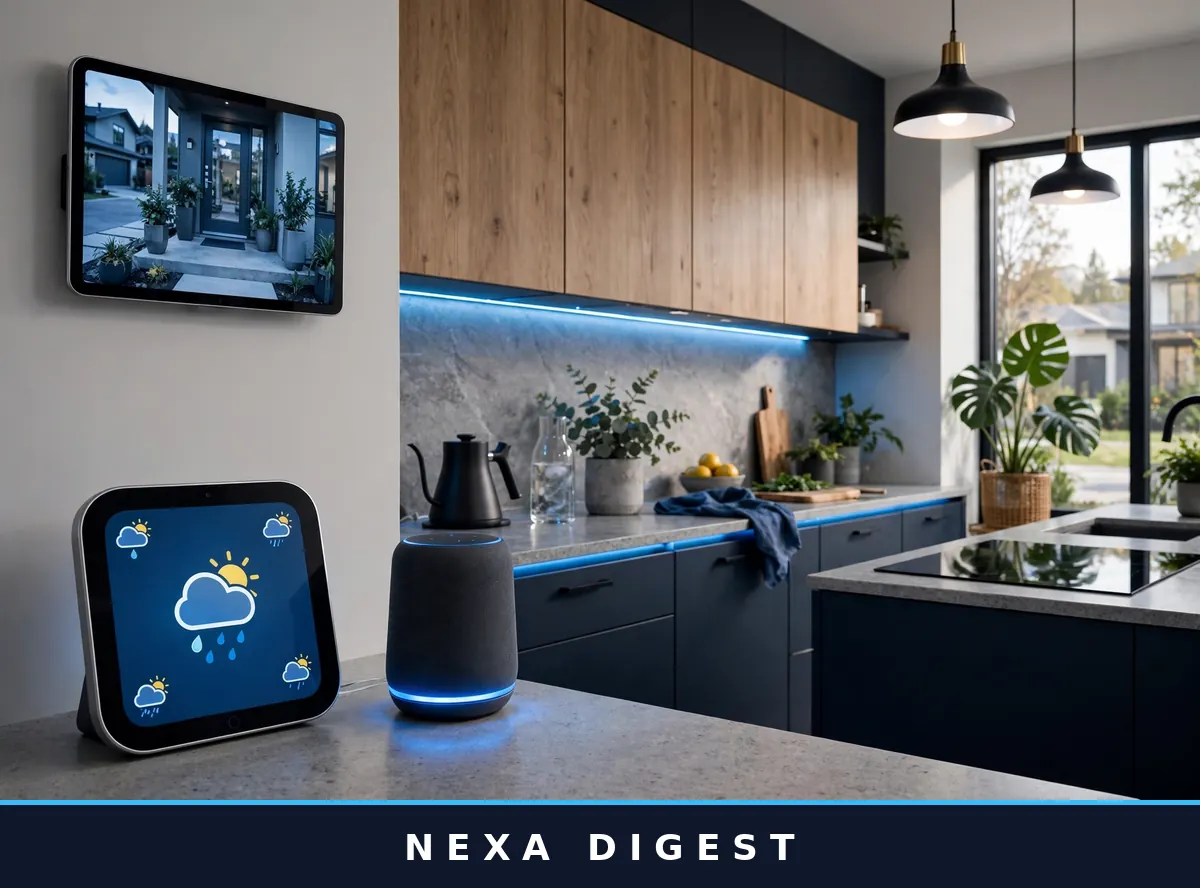
Forget “ultimate setups.” Here’s what real beginners actually spend, in three honest tiers. Pick the one that fits your wallet and stop there — you can always grow later.
The $40 Taste Test
- 1× Kasa Smart Plug Mini (~$20)
- 1× Kasa multicolor smart bulb (~$15)
- Total: ~$40 — app-controlled, zero commitment
The “am I even into this?” kit. Unused after two weeks? Smart homes aren’t your thing — and you’ve lost less than a dinner out.
The $150 Sweet Spot
- 1× Echo Dot (~$50)
- 2× Kasa Smart Plug Minis (~$35)
- 2× smart bulbs (~$30)
- 1× Wyze Cam v4 (~$35)
- Total: ~$150 — voice control, lighting, one camera
This is the kit I’d point my own sibling toward. The full experience without a scary receipt.
The $400 “I’m All In” Kit
- Everything from the $150 tier
- 1× Ring Video Doorbell (~$80)
- 1× Google Nest Thermostat (~$130)
- 2× Aqara door sensors (~$35)
- Total: ~$400 — lighting, climate, security, automation
At this point your home handles mornings, evenings, and security mostly on its own. Anything after this is for fun, not necessity.
5 Mistakes Beginners Make (I Made Every Single One)
1. Buying five brands on day one. My drawer of shame once held a Google bulb, an Alexa plug, and a HomeKit sensor that refused to speak to each other. Pick one ecosystem, stick with it six months.
2. Automating everything at once. Start with one routine: “turn off all lights at midnight.” Live with it, then add another. A smart home is a habit, not a shopping spree.
3. Ignoring the Wi-Fi. Every one of the best smart home gadgets lives or dies by your router. If Wi-Fi drops in the bedroom, the smart bulb drops with it. A cheap extender fixes more “broken” gadgets than any return.
4. Skipping firmware updates. Updates patch security holes and fix the exact glitch you’re about to complain about. Let them run overnight.
5. Forgetting the rest of the household. Keep physical switches working and teach everyone the voice commands. If your family needs a manual to turn on a lamp, you’ve overbuilt it.
Renters vs. Homeowners: What Actually Changes
Golden rule: if it needs a screwdriver, skip it.
Renters, buy these: smart plugs, smart bulbs, battery cameras, SwitchBot Bots, smart speakers, and the August smart lock (clamps over your existing deadbolt, comes off cleanly).
Renters, skip these: wired doorbells, in-wall switches, wired thermostats. The nice part? Everything you buy as a renter moves with you.
Smart Home Security Without Losing Sleep
Let’s talk about the elephant in the room: can someone hack your light bulbs? Follow these five rules and you’re safer than the vast majority of smart homes:
- Unique passwords, always. Your camera and your Wi-Fi should never share a password. A password manager makes this painless.
- Two-factor authentication on every smart home account. Non-negotiable.
- Install firmware updates when the app nags you. Most attacks target old, unpatched devices.
- Buy real brands. That $8 no-name camera from a random marketplace seller? It probably phones home somewhere you’d rather it didn’t. Stick with companies that have actual support pages.
- Segment if you’re keen: some routers let you put gadgets on a separate “guest” network, away from your laptop and phone. Nice bonus, not required.
I’ve run 20+ smart devices for three years with these habits and had zero incidents. The risk is real but wildly overblown — especially next to reusing “password123” everywhere, which is what actually gets people.
Most of this runs from your phone. If you’re on Android, our roundup of the best Android apps covers the companion apps you’ll want. And if the DIY bug bites, these pair nicely with easy DIY home projects for beginners — a smart home is really just home improvement with Wi-Fi.
Frequently Asked Questions
What’s the cheapest way to start a smart home?
A smart plug (~$20) and a smart bulb (~$15). That’s the whole starter kit — app control, scheduling, and a real feel for automation under $40. Add an Echo Dot for voice and you’re around $90 all in.
Alexa or Google Home — which is better for beginners?
Alexa, by a nose. More supported devices, a cheap and excellent Echo Dot, and easy-to-build routines. Google Home wins if you’re already deep in Google’s world — Gmail, Calendar, Android — since it ties in smoothly. The best smart home gadgets on this list work with both either way.
Do I need a hub for smart home devices in 2026?
Usually not. Most beginner devices connect straight to Wi-Fi or speak Matter. Only certain sensors (like Aqara’s) need a dedicated hub. Start hub-free — add one only if a device you want demands it.
Are smart home devices safe from hackers?
As safe as you make them. Unique passwords, two-factor authentication on, firmware updated, reputable brands only. Point cameras at entrances, not private rooms. Cover those basics and the practical risk is very low.
Can renters use smart home gadgets?
Absolutely. Smart plugs, bulbs, battery cameras, smart speakers, and the SwitchBot Bot all work with zero wiring or drilling. The August smart lock fits over your existing deadbolt and removes cleanly. Skip wired doorbells and in-wall switches unless your landlord signs off.
What is Matter, and should beginners care?
Matter is a universal standard letting smart devices work across Alexa, Google, and Apple at once. For beginners it means one thing: look for the Matter logo when you buy, and you’ll dodge most compatibility headaches.
Starting a smart home isn’t about buying the most gadgets — it’s about buying the right first three. A speaker, a plug, and a bulb will teach you more about what you actually want than any buying guide could. When friends ask me for the best smart home gadgets for beginners, I always say the same thing: skip the fanciest options and pick the ones you’ll still be using a year from now, quietly making your mornings easier.
So pick your ecosystem, grab that $150 kit, and give it a month. Worst case? A great party trick for guests. Best case? You wonder how you ever lived in a “dumb” home. For current prices, check the smart home selection on Amazon, the official Matter standard page for logo-carrying devices, and Best Buy’s smart home guides for hands-on advice.
